
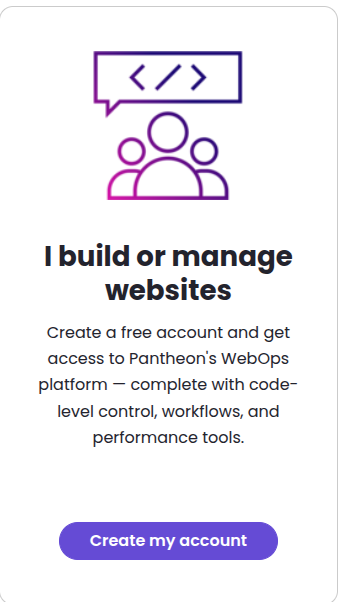
1. Create a Free Account
- Visit the Pantheon registration page. https://pantheon.io/register
- Sign up for a free developer account.
- No credit card is required to build.
2. Create Your New Site
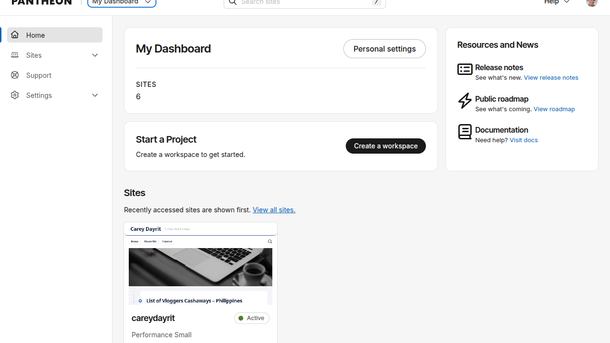
- Log into your Pantheon Dashboard.
- Click My Dashboard, select Professional Workspace
- Click the Create New Site button.
- Name your website project.
- Choose your region.
3. Choose Your CMS Platform
- Select WordPress, Drupal, or Front-End (Decoupled).
- Click Deploy to start the installation.
- Wait a few minutes for the setup to complete.
4. Complete the Installation
- Click Visit your Pantheon Dashboard.
- Click Visit Development Site.
- Follow the on-screen CMS setup wizard.
- Choose your language, admin username, and password.
Your development website is now live and ready for customization. You can build, test, and add content completely for free. You only pay when you are ready to link a custom domain and go live to the public.